Microsoft Excel for Beginners

- Description
- Curriculum
- Notice
- Reviews
Course Description
Microsoft Excel is one of the most important tools used in modern workplaces for organizing information, calculating results, analyzing data, and preparing professional reports. This course is designed for beginners who want to build confidence using Excel from the ground up.
Learners will start by understanding workbooks, worksheets, rows, columns, cells, and ranges. They will then learn how to enter clean data, format worksheets professionally, create formulas, use common functions, sort and filter data, build tables, create charts, and prepare simple business reports.
The course also introduces useful workplace practices such as version control, safe file sharing, PDF export, workbook protection, data privacy awareness, and checking formulas before submitting reports. By the end of the course, learners will be able to create clean, accurate, and useful spreadsheets for everyday professional tasks.


Important Course Notice
This Microsoft Excel for Beginners course is designed to help learners build practical spreadsheet skills for data entry, formatting, formulas, tables, charts, simple analysis, printing, PDF export, sharing, and professional workbook management.
The course is suitable for beginners, students, office employees, administrators, business professionals, finance assistants, project teams, and anyone who wants to use Excel confidently for everyday workplace tasks and simple reporting.
This course provides training and professional development support only. It does not replace official Microsoft certification, company-specific reporting procedures, financial approval processes, data protection policies, or advanced Excel specialist training.
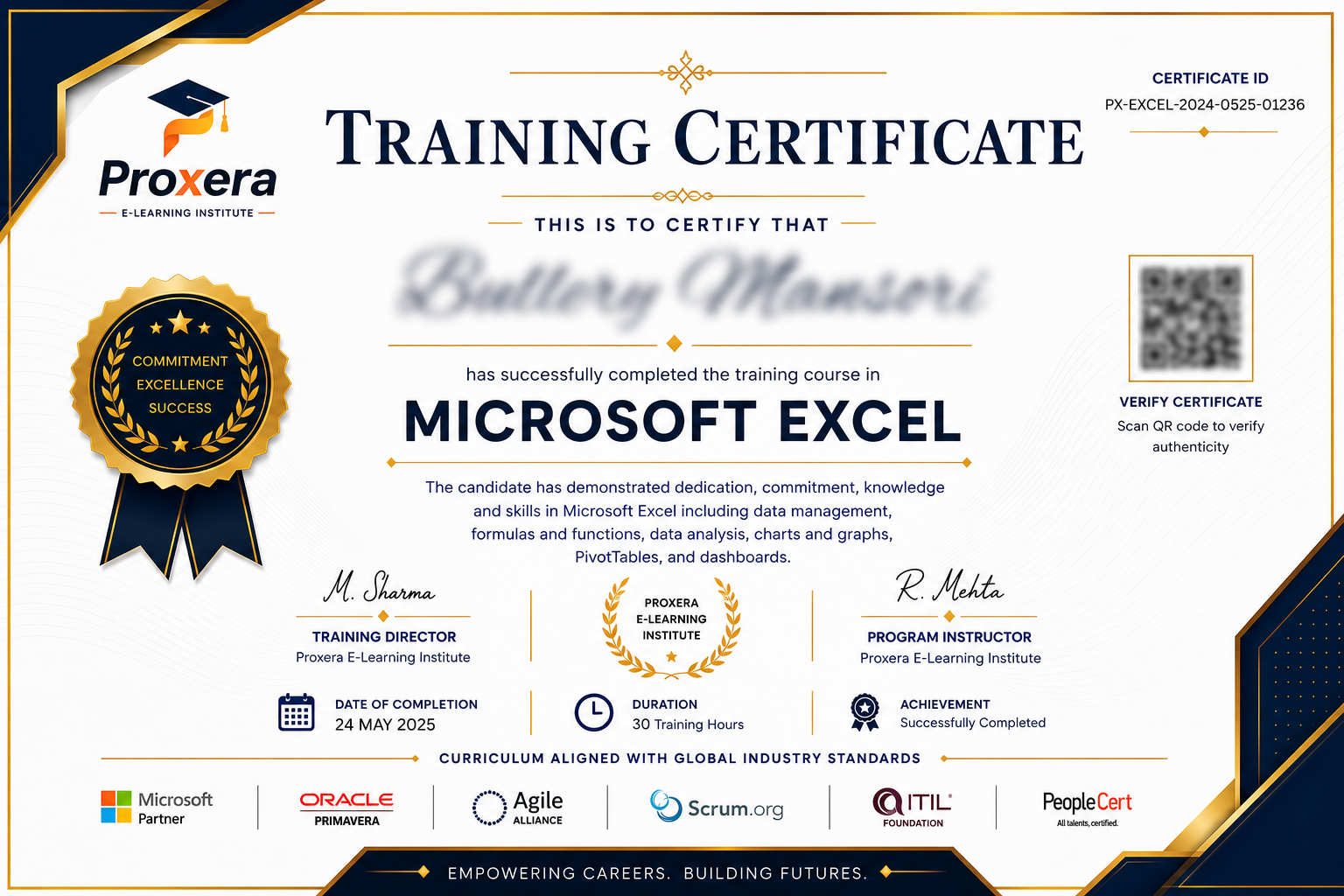
After completing the lessons and required assessment activities, the certificate will appear in the student portal according to the platform approval process.
For course support, certificate inquiries, or special learning requests, please contact us at support@proxeralearning.com.
Course Basic Information
Microsoft Excel for Beginners
Beginner
Online Self-Paced
Microsoft Office / Business Skills
Final Quiz / Knowledge Check
Completion Certificate
Course Requirements
- No previous Excel experience is required.
- Access to Microsoft Excel is recommended for practice.
- A laptop or desktop computer is preferred for hands-on exercises.
- Basic computer and keyboard skills are helpful.
- Learners should be ready to practice using sample data, tables, formulas, and simple reports.
- Internet access is required to view online lessons and complete course activities.
Intended Audience
-
Beginners who want to learn Microsoft Excel from scratch
-
Students looking to improve their academic and data organization skills
-
Office employees who need Excel for daily work tasks
-
Business owners and entrepreneurs managing records, budgets, or reports
-
Anyone wanting to build professional computer skills for career development and job opportunities