Microsoft Copilot for Business

- Description
- Curriculum
- Notice
- Reviews
Microsoft Copilot for Business
Microsoft Copilot for Business is a practical professional training course designed to help Microsoft 365 users apply AI-powered productivity inside the applications they already use every day. The course explains how Copilot works across Word, Excel, Outlook, Teams, PowerPoint, Microsoft 365 Chat, OneNote, Loop, Copilot Pages, and Copilot Studio.
Learners will develop practical skills in meeting summarization, email drafting, inbox management, document generation, spreadsheet analysis, presentation building, cross-app search, responsible AI use, security controls, sensitivity labels, compliance, governance, adoption planning, and ROI measurement. The course helps professionals use Copilot effectively while maintaining human review, confidentiality, accountability, and proper organizational control.
Course Outcome
By the end of this course, learners will be able to use Microsoft Copilot across Microsoft 365 applications, prepare meetings faster, summarize conversations and documents, draft stronger emails and reports, analyze data, build presentations, use cross-app AI search, understand oversharing risks, follow governance requirements, and support responsible Copilot adoption in their organization.
Key Topics Covered
- Microsoft Copilot overview, Microsoft Graph, Microsoft 365 architecture, licensing, access, permissions, and organizational data grounding
- Copilot in Teams for live meeting summaries, meeting recap, action items, chat summaries, channel catch-up, project collaboration, and transcription best practices
- Copilot in Outlook for email drafting, replies, thread summaries, coaching, inbox prioritization, meeting preparation, scheduling, and calendar support
- Copilot in Word for document drafting, rewriting, editing, summarizing, table generation, reference files, long-form documents, and style improvement
- Copilot in Excel for Table-based analysis, formulas, charts, trends, anomalies, data cleaning, PivotTables, what-if analysis, and financial modelling support
- Copilot in PowerPoint for creating presentations, adding slides, editing content, speaker notes, presentation summaries, Designer, images, and narrative review
- Microsoft 365 Chat, cross-app queries, OneNote, Copilot Pages, Microsoft Loop, Viva Insights, Copilot Studio, and custom Copilot agents
- Security, compliance, Microsoft Purview, sensitivity labels, permission inheritance, oversharing risk, audit logs, retention, eDiscovery, and admin controls
- Copilot usage policy, responsible AI principles, human review, data handling, training requirements, feedback channels, adoption dashboards, and value measurement
- Copilot best practices, common mistakes, adoption strategy, workplace scenarios, comprehensive review, glossary, final assessment, and certification readiness
-
1
 Microsoft Copilot for Business
Microsoft Copilot for Business
Learn how to use Microsoft Copilot across Microsoft 365, including Teams, Outlook, Word, Excel, PowerPoint, Microsoft 365 Chat, Copilot Pages, security, compliance, governance, and responsible AI-powered productivity.
-
2
 Microsoft Copilot for Business
Important Course Notice
Please read this notice carefully before starting the Microsoft Copilot for Business course.
After purchasing this course, learners will receive access to the available lessons, learning materials, and course content through their student account.
This course is designed for online self-paced learning and professional workplace training. Learners can study anytime and from anywhere using a mobile phone, tablet, laptop, or computer.
Learners are encouraged to complete all lessons carefully to understand Microsoft Copilot, Microsoft Graph, Teams, Outlook, Word, Excel, PowerPoint, Microsoft 365 Chat, Copilot Pages, Copilot Studio, security, compliance, governance, responsible AI use, and adoption best practices.
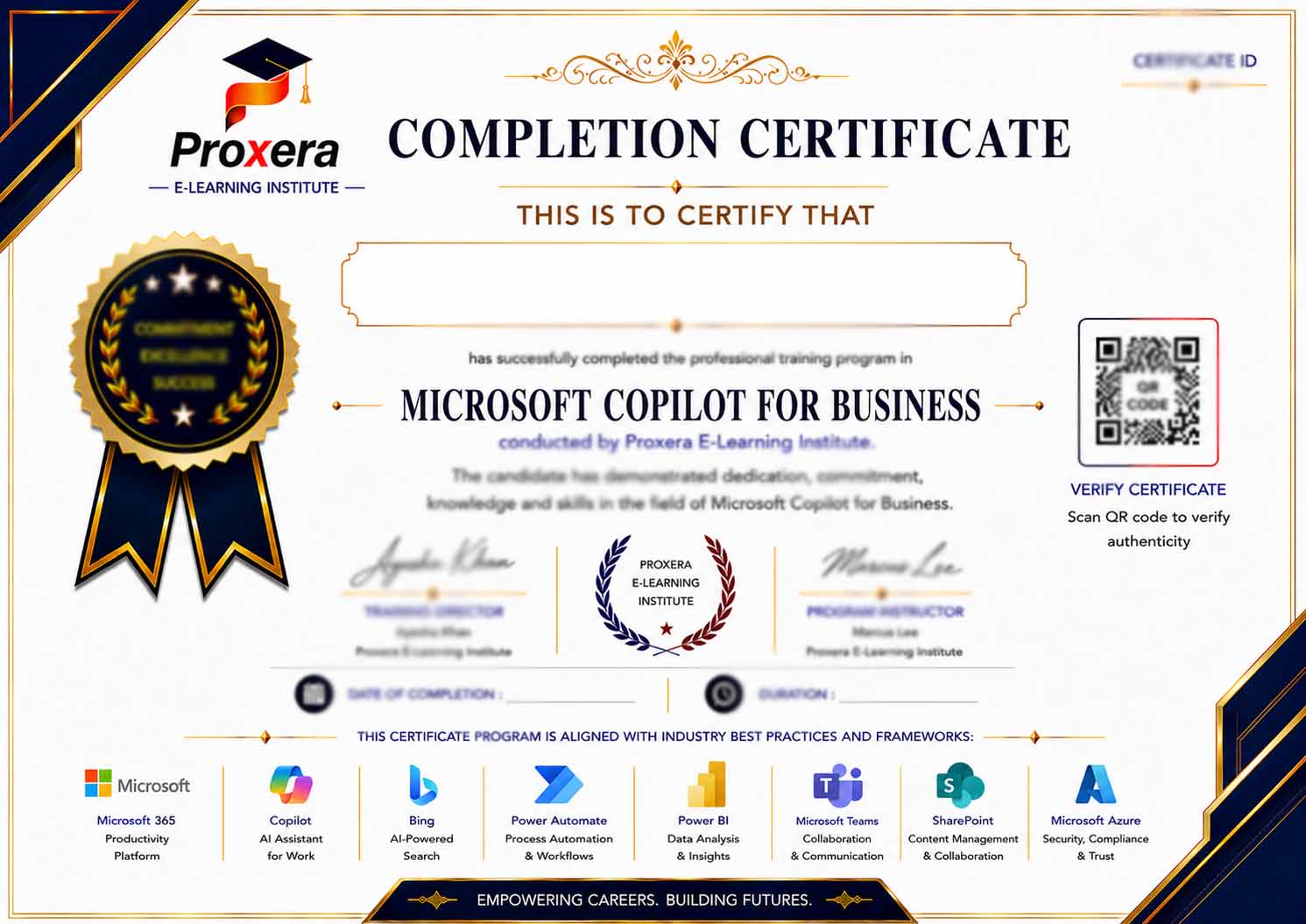
Upon completing the course requirements and assessment, eligible learners may receive a certificate of completion from Proxera E-Learning Institute.
Course Basic Information
Microsoft Copilot for Business
1–2 Days / 14 Hours
Beginner to Advanced
9 Core Modules
101 Training Slides
All Microsoft 365 Users
Microsoft 365, Copilot, AI Productivity, Security & Governance
Certificate of Completion
Course Requirements
- No previous AI experience is required.
- Basic familiarity with Microsoft 365 applications is recommended.
- Experience using Teams, Outlook, Word, Excel, PowerPoint, OneDrive, or SharePoint is helpful.
- Learners should be willing to practice prompts, review AI outputs, and improve results through refinement.
- Learners should understand that Copilot outputs require human review before professional or external use.
- Learners should use approved organizational data and follow company policies when practicing Copilot tasks.
- Learners should have access to a mobile phone, tablet, laptop, or computer.
- Internet access and Microsoft 365 access are required to complete the online course content effectively.
Intended Audience
Professionals who use Teams, Outlook, Word, Excel, PowerPoint, OneDrive, SharePoint, or Microsoft 365 Chat in daily work.
Managers who want to improve team productivity, meeting quality, reporting, communication, adoption, governance, and AI-assisted work practices.
Employees who prepare emails, documents, meeting notes, reports, presentations, spreadsheets, summaries, and daily business communication.
Teams that need support with meeting recaps, action tracking, document creation, workflow updates, status reporting, and cross-team collaboration.
Professionals supporting Copilot rollout, security controls, permission reviews, sensitivity labels, governance, user training, adoption, and policy development.
Learners preparing for modern workplaces where Microsoft 365, AI-assisted productivity, collaboration, data analysis, and responsible digital work are increasingly important.